For AV installers and integrators
Finish every AV installation with documentation your customers can actually use.
Turn installation photos and technician knowledge into branded room guides, equipment manuals, and QR-code checklists.
I install for clients
Branded runbooks, gear manuals and QR checklists for every client room. 30 days free, no card.
Plans from $99 a month. The demo is a full sample company, no sign up.Just one room?
Document one room yourself. Try one photo free, then $79 $39 once per room. No subscription.
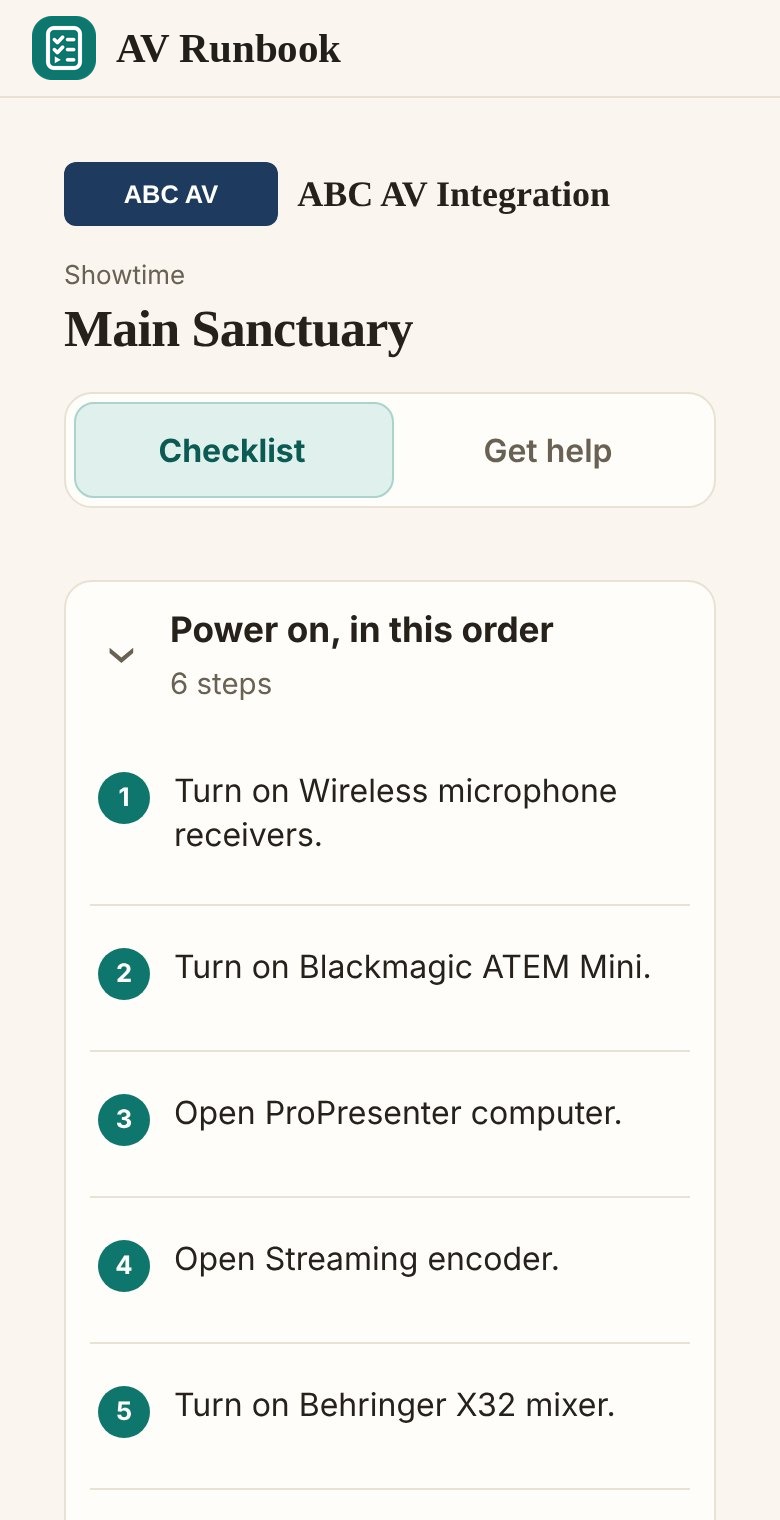
You get a runbook, a gear manual and a QR checklist your crew opens on any phone.
Document my room, $39 onceLimited time offer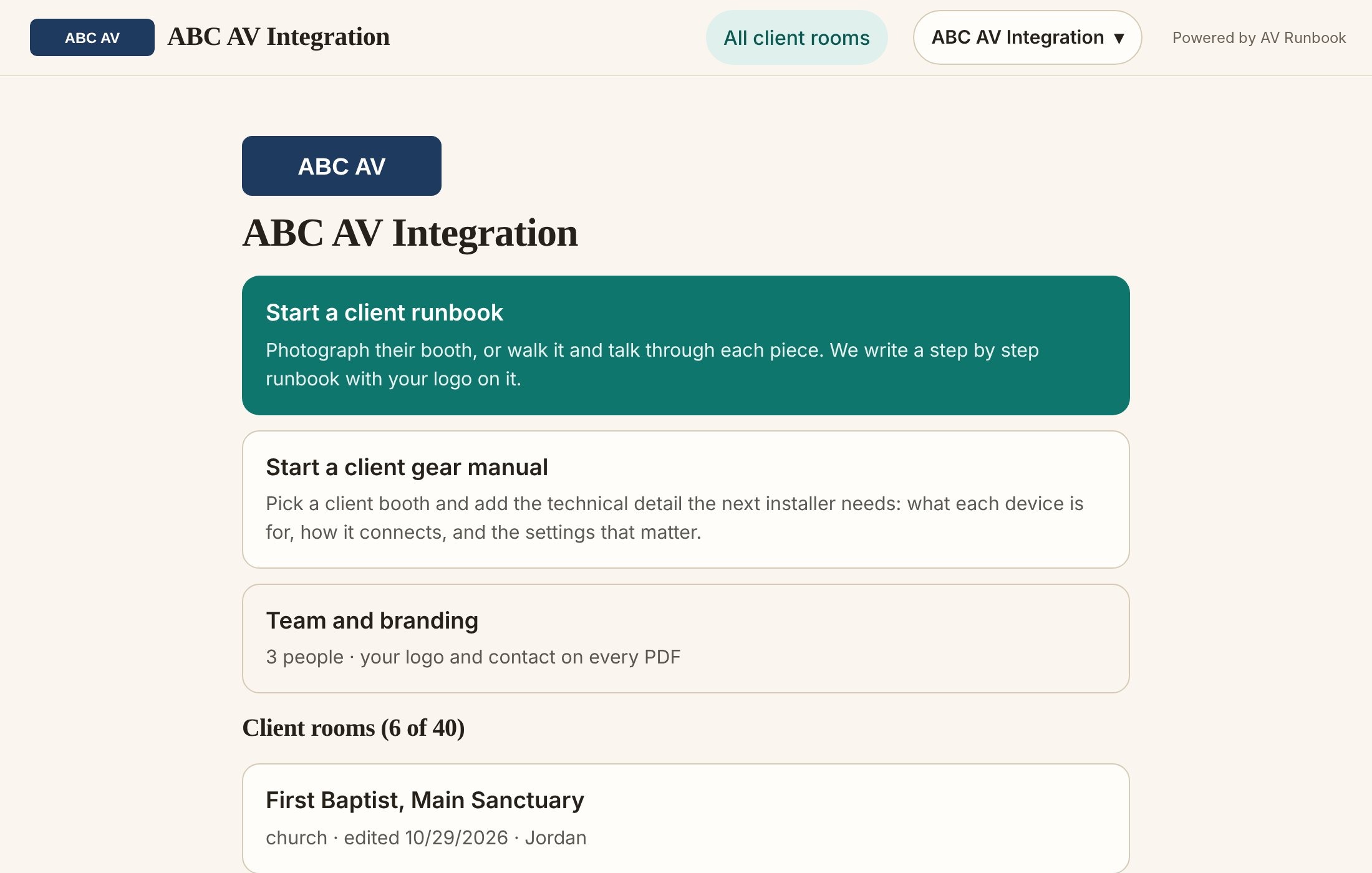
From installed equipment to a handoff in four steps
1Document the room
Photograph each piece of gear and say how it works. Your words become the steps.
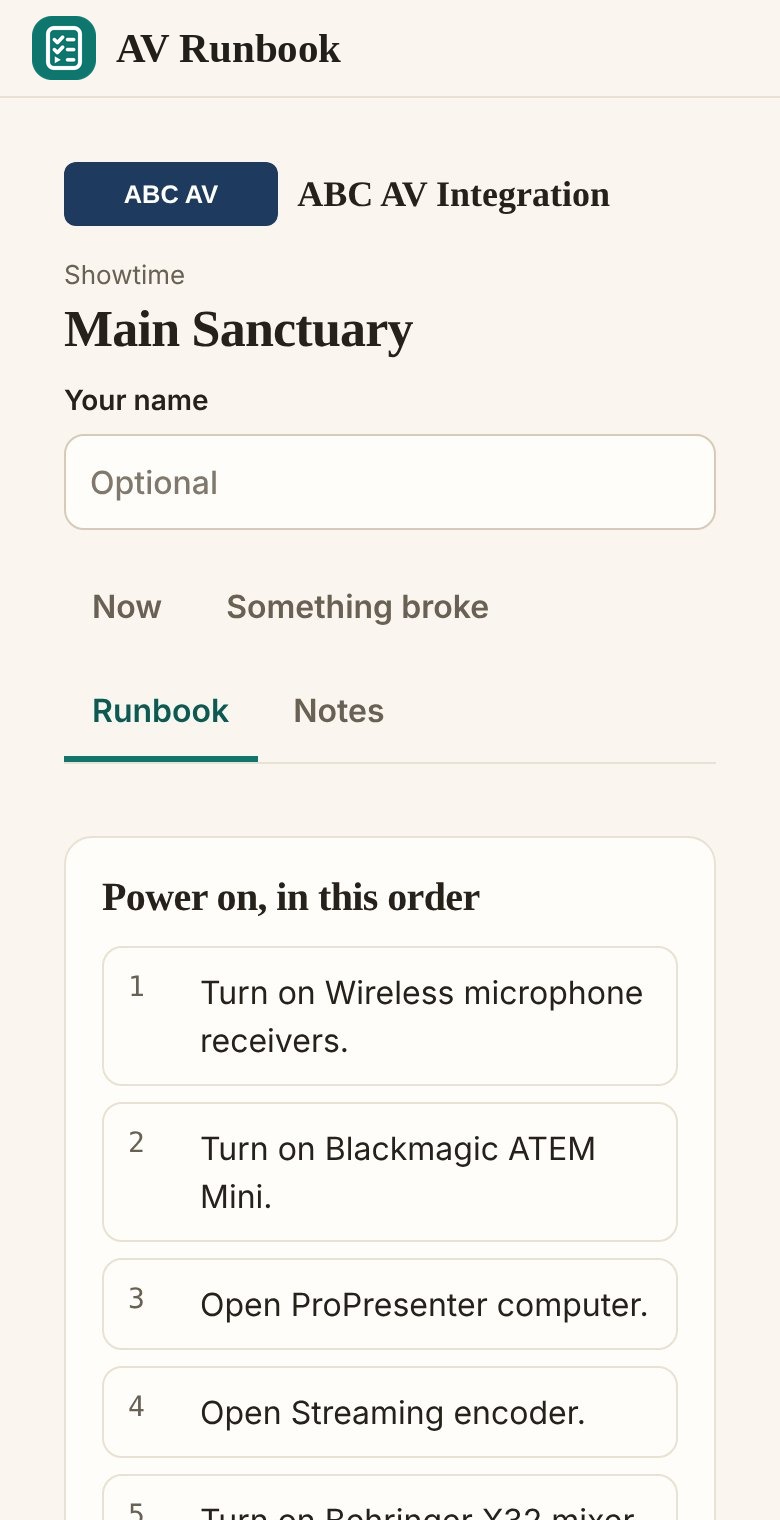
2Review what it wrote
Check the runbook and gear manual, fix anything it got wrong, and add your logo.
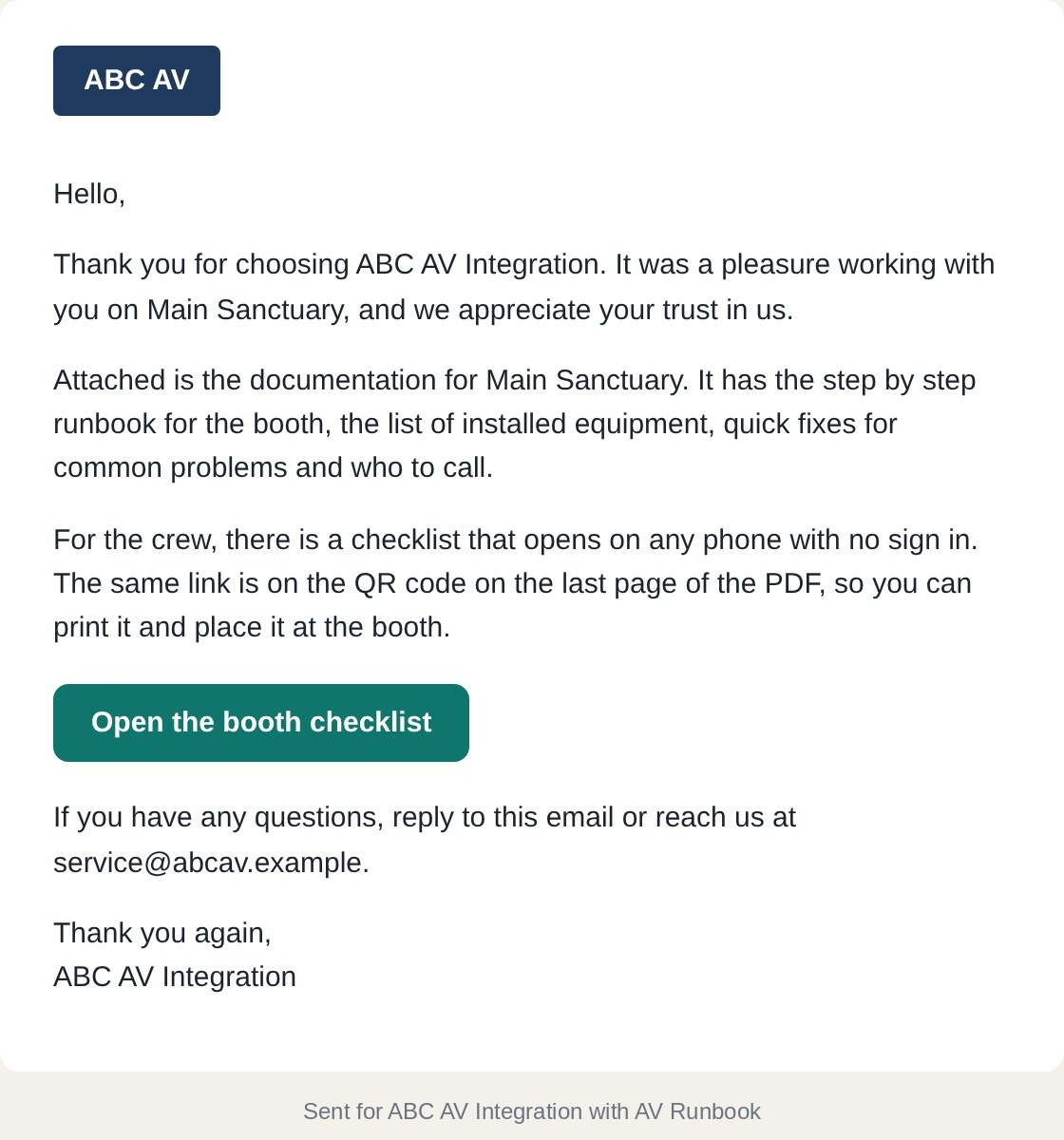
3Send it to your client
One click emails the PDF and the checklist link with your logo and a thank you. The QR code on the last page opens the same checklist on any phone. No app, no account.
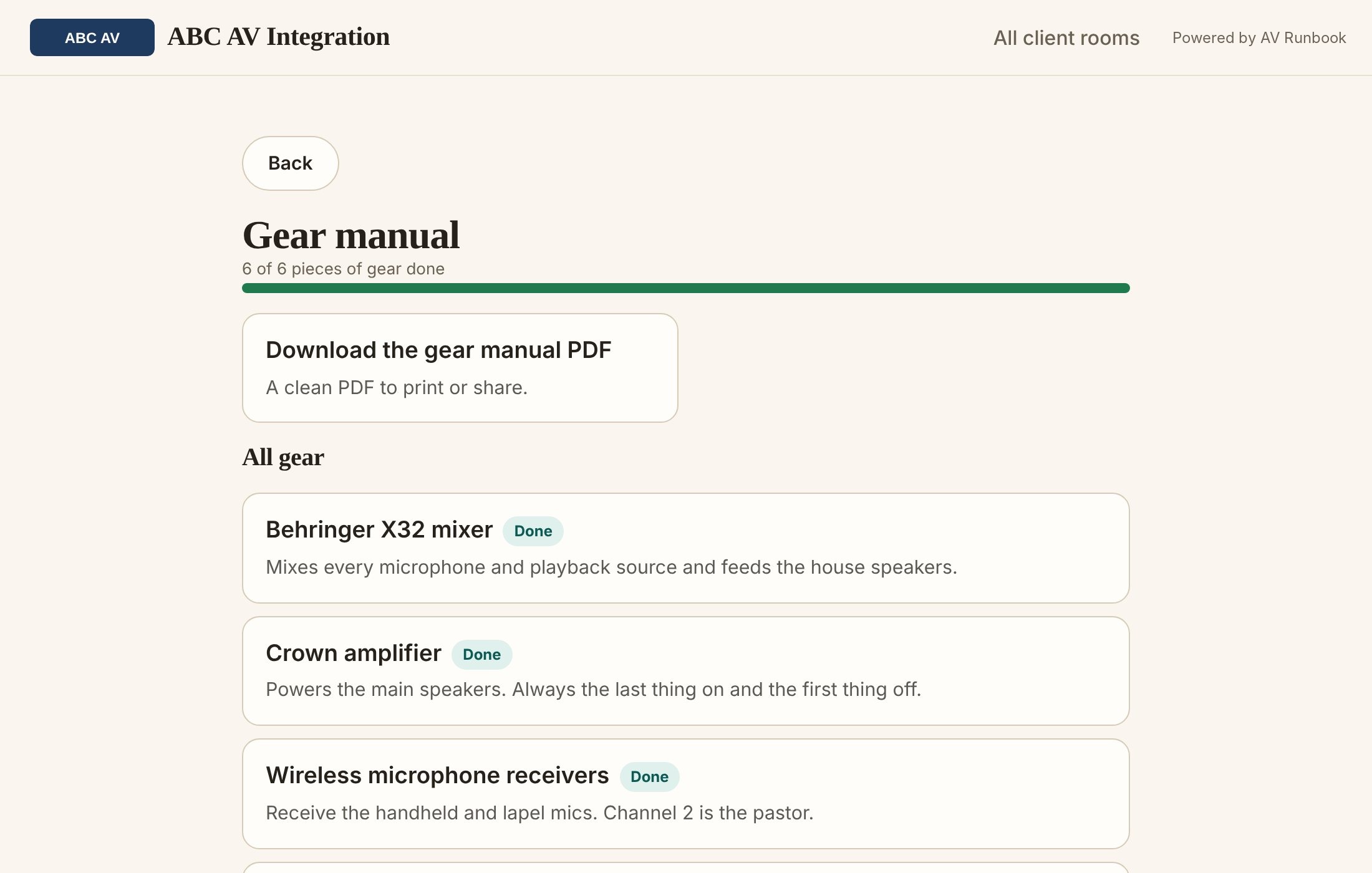
4The next tech reviews the gear manual
Before a service visit, any technician on your team opens the room's gear manual online, or downloads the PDF. They know what is in the rack and the settings that matter before they arrive.
Installer management
One place for every room you install.
- One installer account for the whole company.
- Every client room in one list.
- Your technicians sign in with their own logins and see the company's rooms.
- Your logo and contact details on every PDF.
- Customers open their checklist from a QR code, with no account.
- A gear manual for every room, ready before the next service visit.
- Email the PDF and the crew checklist to your client in one click, with your logo and a thank you.
What it means for your business
Faster documentation
Photograph the gear and talk through it. AV Runbook writes the draft, and you review it.
Fewer repetitive support calls
Volunteers find the answer on their phone, so more how-do-I questions are answered before they reach you.
Consistent professional handoffs
Every room gets the same branded runbook, gear manual and QR checklist.
Better prepared service technicians
The gear manual lists each device, what it connects to and the settings that matter.
Documenting your own booth?
One room, $79 $39 once, no subscription. Limited time offer Walk the booth, say what each piece does, and get a runbook and gear manual.
Plans for installers
One plan, then add rooms in packs of 10 as you grow. Pay yearly and get two months free.
Every room includes the runbook, gear manual, branded PDFs, QR checklist and staff logins. Need a larger setup? Ask about a custom plan.
Want to see it work first? Look around a demo company with real looking client rooms, or start a 30 day free trial. No card, and everything is marked as a trial preview until you choose a plan.
Not an installer? A single room is $79 $39, paid once, with no subscription. See what a paid room includes.
Questions
What is a runbook?
A step by step guide for turning the booth on, running an event and turning it off. Each step has a photo of the exact button or control, so a volunteer who has never run the booth can follow it.
What is a gear manual?
A guide to the equipment itself: what each piece of gear is, how it connects to the rest, and its quirks and settings. A new tech can use it to learn the room and fix problems.
What is the Showtime QR code?
A QR code that puts the runbook as a checklist on any volunteer's phone. They scan it and the steps open in the browser, with nothing to install and no login. When you update the room, the same code shows the new version.
What counts as a room?
One client space, such as a sanctuary, auditorium or control room, with its own runbook, gear manual and QR checklist. Plans are sized by the number of active client rooms.
Can multiple technicians access the same installer account?
Yes. Invite your team from the portal. Each person signs in with their own login and sees all of the company's client rooms. Only the owner can delete rooms, change branding or manage billing.
Can I send the documentation to my client?
Yes. From the room, choose Send to client. AV Runbook emails them the PDF and a link to the crew checklist, with your logo and a thank you from your company. You can add a personal note, and send yourself a copy.
Can customers access documentation without an account?
Yes. They scan the QR code and the checklist opens in their phone's browser. There is nothing to install and no login.
Can documentation be updated?
Yes. Open the room, change any step, or add photos and have them read again. The QR code stays the same, and the checklist shows the update.
What happens when equipment changes?
Add a photo of the new gear and confirm what AV Runbook finds. The runbook and gear manual update, and the customer keeps using the same QR code.
What are photo reads?
Each photo you add is read by AI to identify the gear, labels and controls in it. On a plan, photo reads for client rooms are included, within the daily AI limits.
Something else? See the Help page, or email info@booth-book.com.