For campus AV and instructional technology teams
Classroom AV guides that faculty read and support teams can maintain
Many rooms, different gear in each, and an instructor with five minutes before class. Give every room a QR code that explains it.
Start here, free
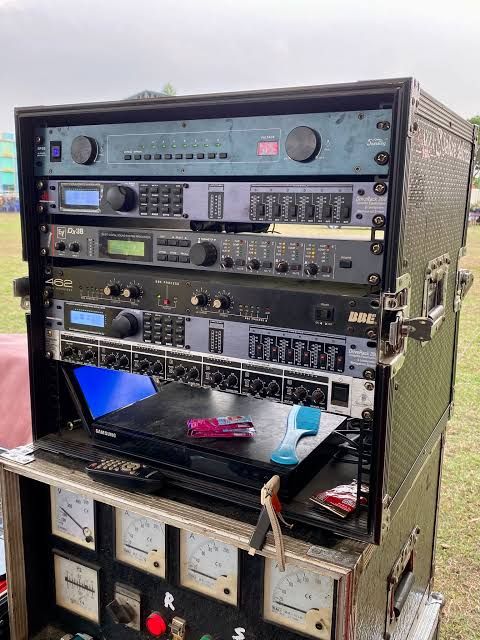
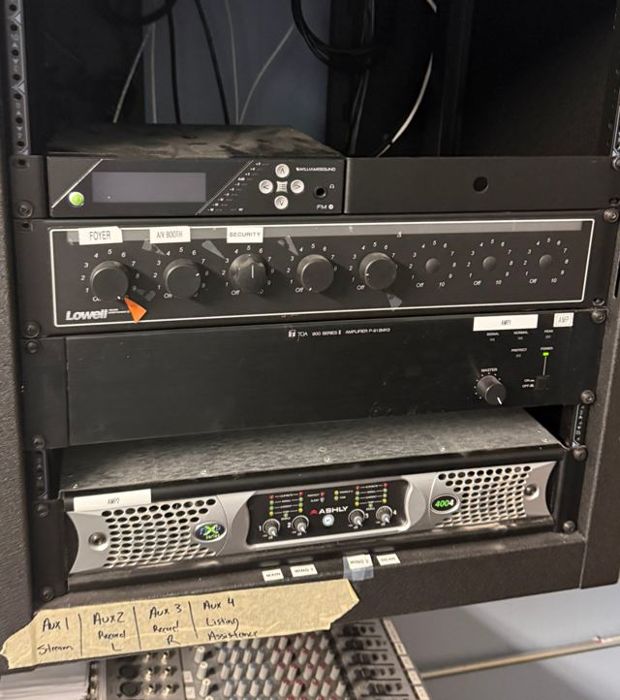
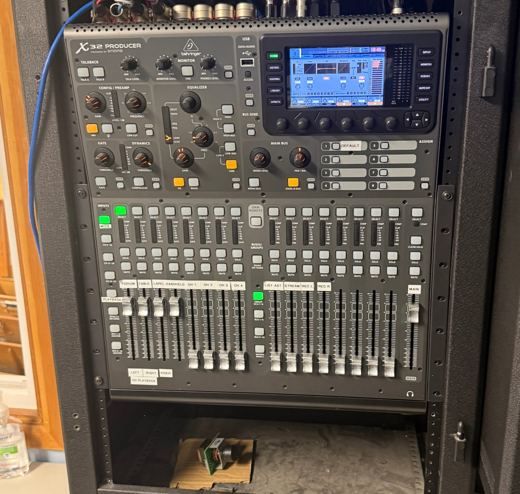
Upload one photo of a lectern or rack and see the gear AV Runbook recognizes. No account or card.
Try it free with a photoYou get a starter runbook by email.
Scan at the lectern
Lecture Hall 120
One QR code, two audiences
Faculty need the short version. Your support team needs the full one. Each room carries both.
Faculty: start the room
How to wake the room and pick a source.
Faculty: bring a laptop
Which cable or wireless option works, and how to use the microphone and volume.
Faculty: get help
Who to call, and what to say about the room.
Support: gear manual
A manual for every unit in the room, so the help desk resolves more calls.
Support: known fixes
The first thing to check for the faults that come up again and again.
Support: new hires
Power order and room setup that a new technician can learn from in the first week.
Rooms change. The guide should keep up.
When a projector is swapped or a room is refreshed over the summer, take a new photo and the guide is rewritten from the gear it sees. No more PDFs that describe equipment that left two years ago.
Liked the free read? Pick your path.
Two ways to go further, depending on who the room is for.
I manage or install many rooms
Many-room trial
30 days free, no card. Then $99 a month, up to 15 client rooms.
- Runbook and gear manual for every room, with your name on it
- A QR checklist for every room
- Send each finished guide to faculty, staff or the client with one email
I support one room or a lab
One room
$39 once per room. No subscription.
- Up to 20 photo reads
- Runbook, gear manual and QR crew checklist
- Describe the room out loud if you prefer not to type
Many rooms across a campus? Write to info@avrunbook.com and we will set it up with you.